

Industrial and manufacturing
Production lines and work areas, often alongside fire detection. See industrial sites.
Woodcock AI offers safety modules such as PPE detection, where supported, confirmed in your site assessment. The module runs on your existing cameras, in the areas you choose, and every alert arrives with the clip so someone can check what the camera saw in seconds.
PPE detection is a safety module that watches the cameras covering your work areas for the personal protective equipment your site requires. When it flags something in an area you have chosen, it sends an alert with the clip to the people who need to know.
It is not a replacement for supervision, training or your health and safety procedures. It adds a second pair of eyes to the CCTV you already run, so a team leader or safety manager can see what happened and decide what to do. Because every alert comes with the video, nobody has to act on a notification alone.
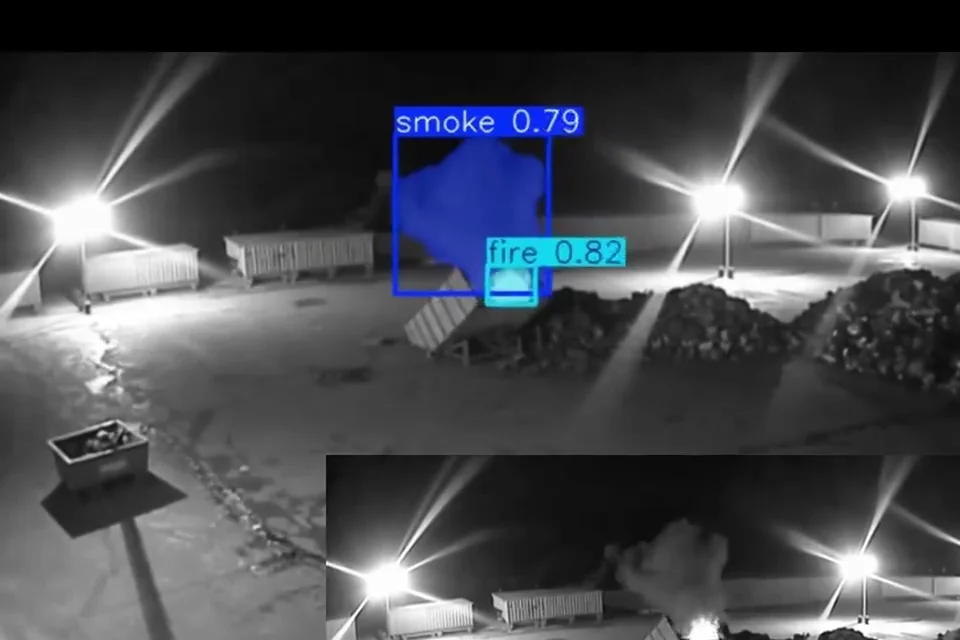 Real footage
Whether PPE detection works on your site, and for which items, depends on your cameras and what they can see. That is why we confirm it for each site rather than publish a fixed list.
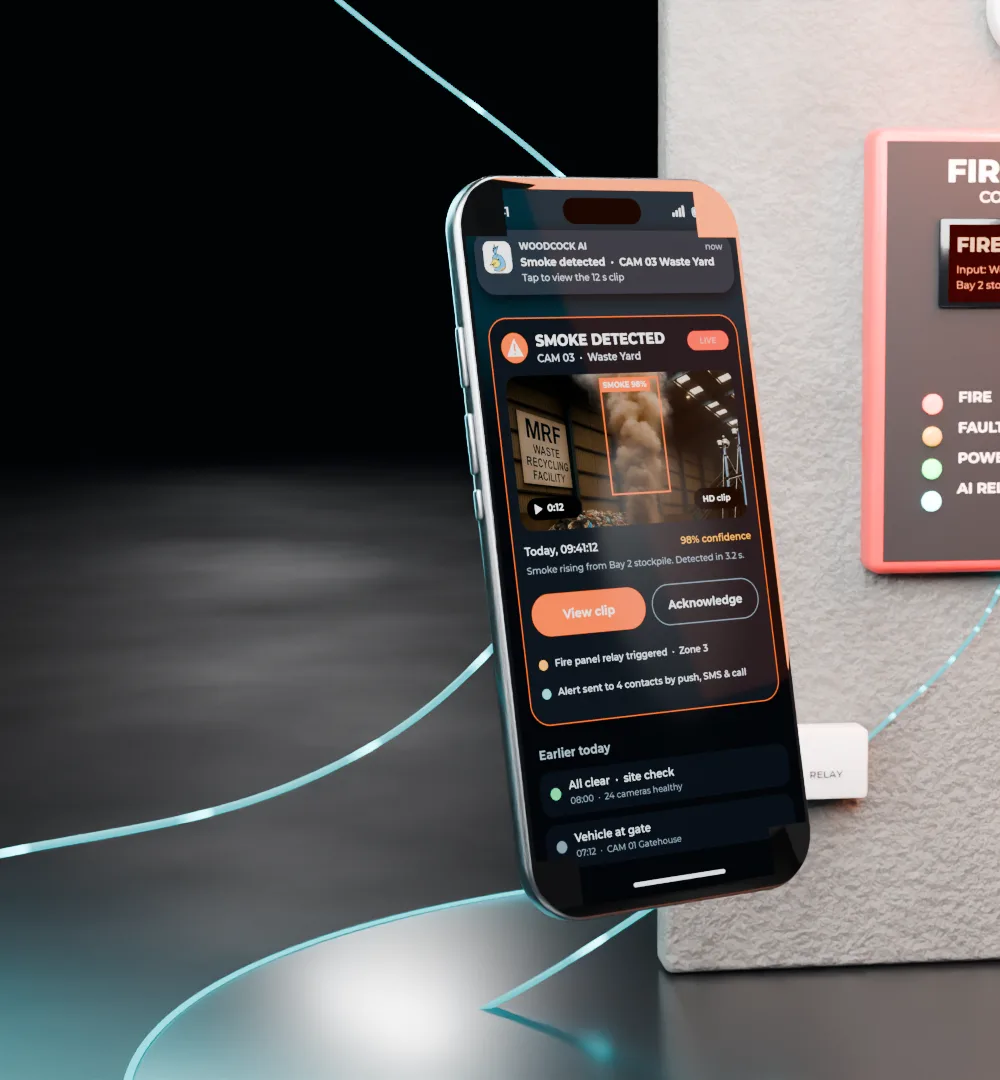
Alerts go to the people you choose by app push notification, email or SMS. Each one includes the video clip and a plain-English description of what the camera saw, so the right person can check it in seconds.
Alerts to a monitoring centre (ARC) and phone-call alerts are available as optional add-ons. The same app shows alerts from every module, so safety, fire and security events sit in one place.
A self-learning AI is fitted to each site and learns what is normal for each camera view. Every detection has a feedback button: tell the AI whether a detection was right, and that feedback goes into retraining for your site.
Over time this helps the module get better at the views and work patterns on your site, rather than relying on a generic model alone.
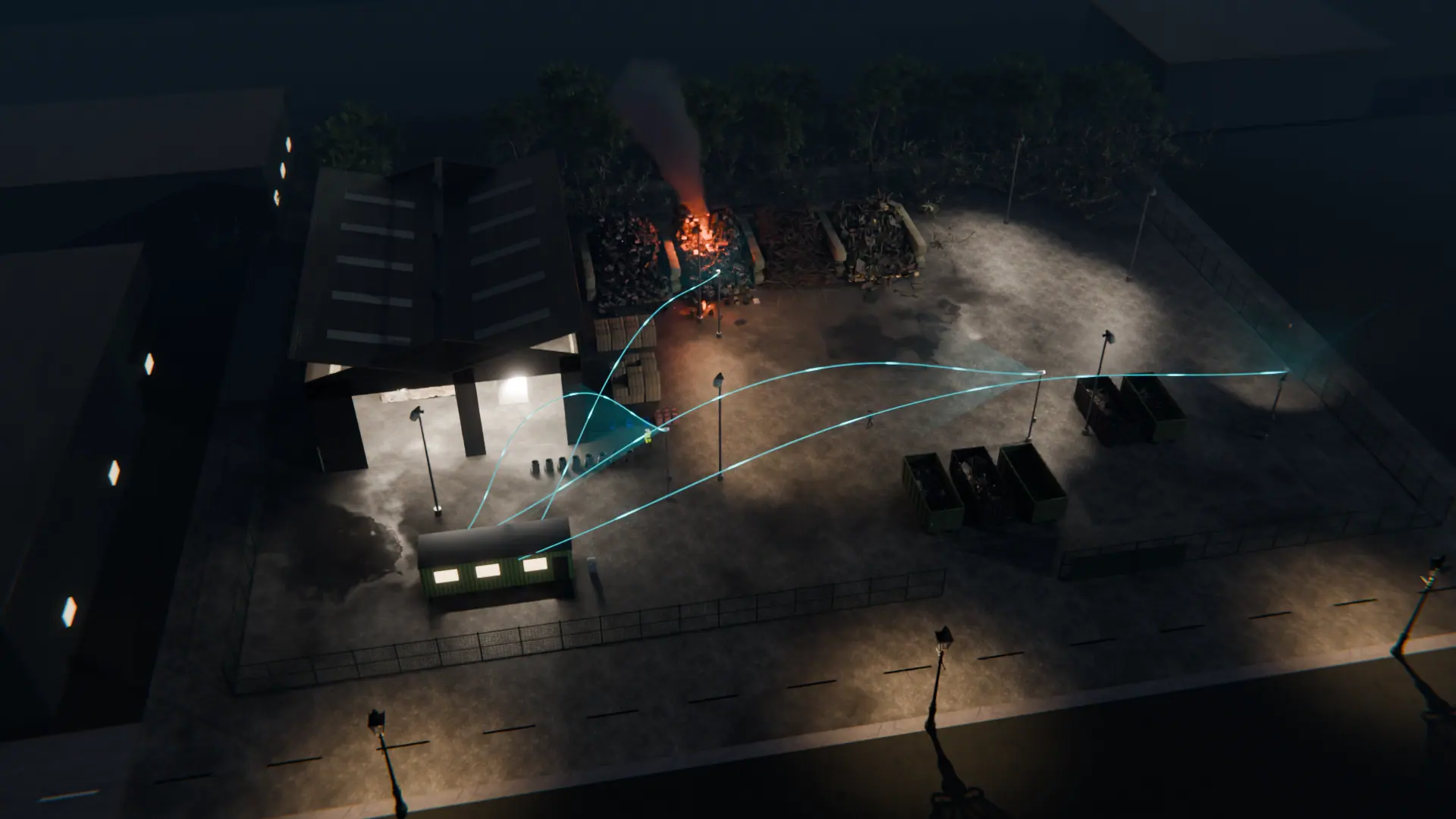
Most sites start with their biggest risk, often smoke and fire, and add modules later. A camera covering a production floor can watch for smoke and flame, and, where supported, run a safety module such as PPE detection too. After hours, the same camera can switch its attention to intrusion.
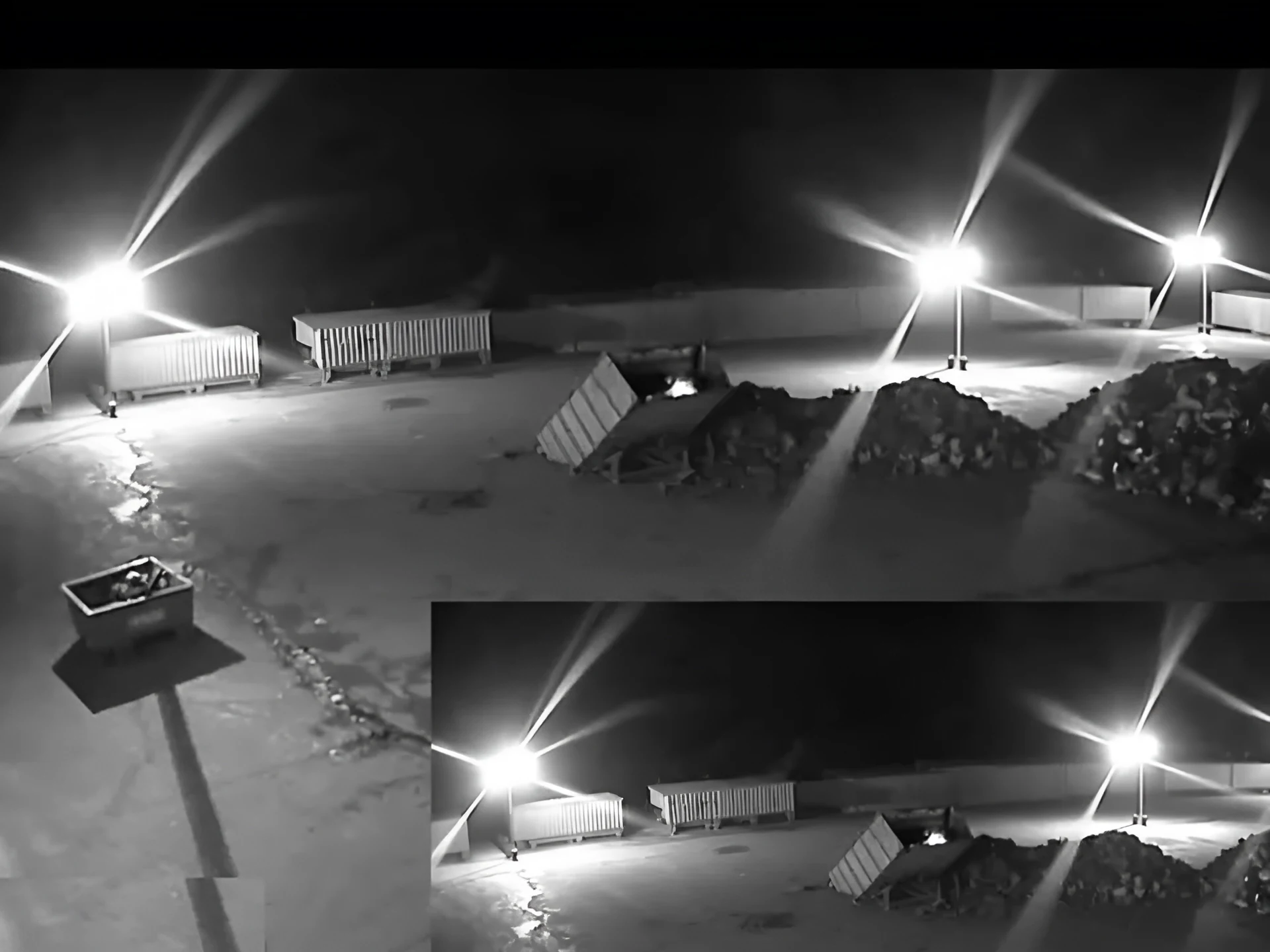
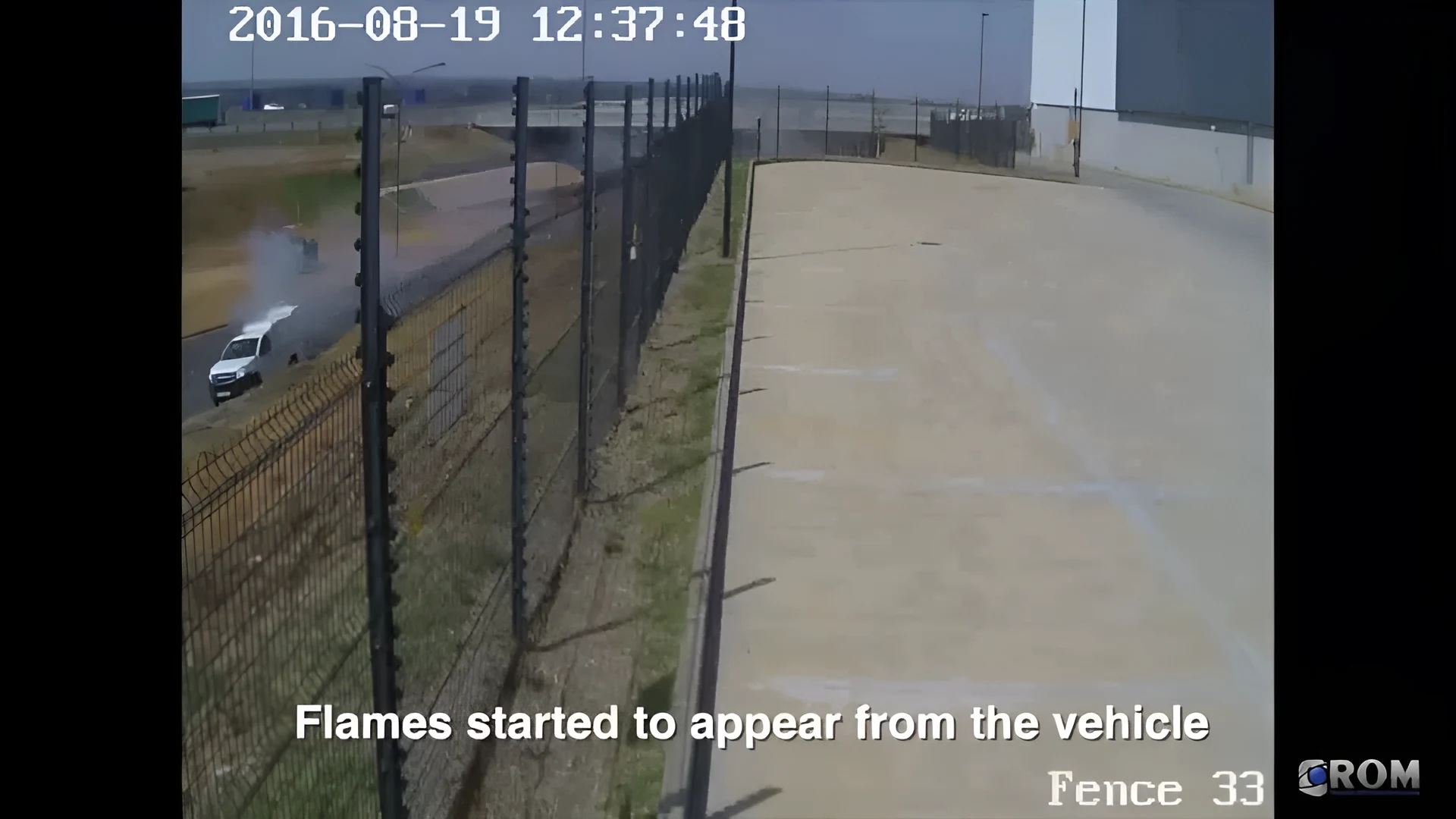 Real footage
Safety modules suit sites where people work in areas with set PPE rules and cameras already cover the floor. Each is confirmed in the site assessment.
Production lines and work areas, often alongside fire detection. See industrial sites.
Loading bays and aisles where PPE rules apply. See warehousing and logistics.
Sites with CCTV coverage of work areas. Ask about it on a free site assessment.
It is a safety module that watches existing CCTV for the personal protective equipment your site requires in an area. Woodcock AI offers safety modules such as PPE detection, where supported, confirmed in your site assessment, and sends an alert with the clip when it flags something.
That is confirmed per site in the assessment. What can be detected depends on your cameras, their views and your site, so we do not publish a fixed list. Tell us what your site requires and the assessment will say what is supported.
Often, where the view allows. It runs on ONVIF or RTSP cameras and recorders you already have, but it needs a camera with a clear enough view of people in the area. The free site assessment checks each camera.
Yes. Several modules can run on one camera, so a camera covering a production floor could watch for smoke and fire and, where supported, run a safety module such as PPE detection too.
To the people you choose, by app push notification, email or SMS, each with the clip and a plain-English description. Alerts to a monitoring centre (ARC) and phone-call alerts are available as optional add-ons.
A self-learning AI is fitted to each site and learns what is normal for each camera. Every detection has a feedback button, and that feedback goes into retraining for your site.
No. It supplements your health and safety procedures, supervision and training. It gives a team leader or safety manager an alert with the clip, so they can see what happened and decide what to do.
Through the free site assessment. We review your cameras, their views and the PPE your site requires, and confirm what is supported before anything is set up.
A free site assessment looks at your cameras, their views and the PPE your site requires, and confirms what is supported before anything is set up.
Illustrative 3D render