

AI monitoring for construction sites
Woodcock AI adds intrusion, smoke and fire detection to the CCTV already on your construction site. A self-learning AI is fitted to your cameras, so it learns each view. It watches the gate, compound, stores, skips and cabins out of hours, and sends every alert with the clip.
Out-of-hours intrusion and theft
Construction sites stand empty at night and at weekends, with plant, tools, cable and materials behind a hoarding. Cameras usually record but nobody watches them in real time, so a break-in is often found the next morning.
Woodcock AI turns those cameras into alerts. Draw an intrusion zone over the compound, or a line crossing rule across the gate, set the hours it is armed, and get the clip when someone enters. Vehicle detection, where supported, flags vans arriving at the gate out of hours. HSE guidance HSG168, Fire safety in construction also links site security to fire: it lists hoarding, security lighting and CCTV monitoring among the measures against arson.
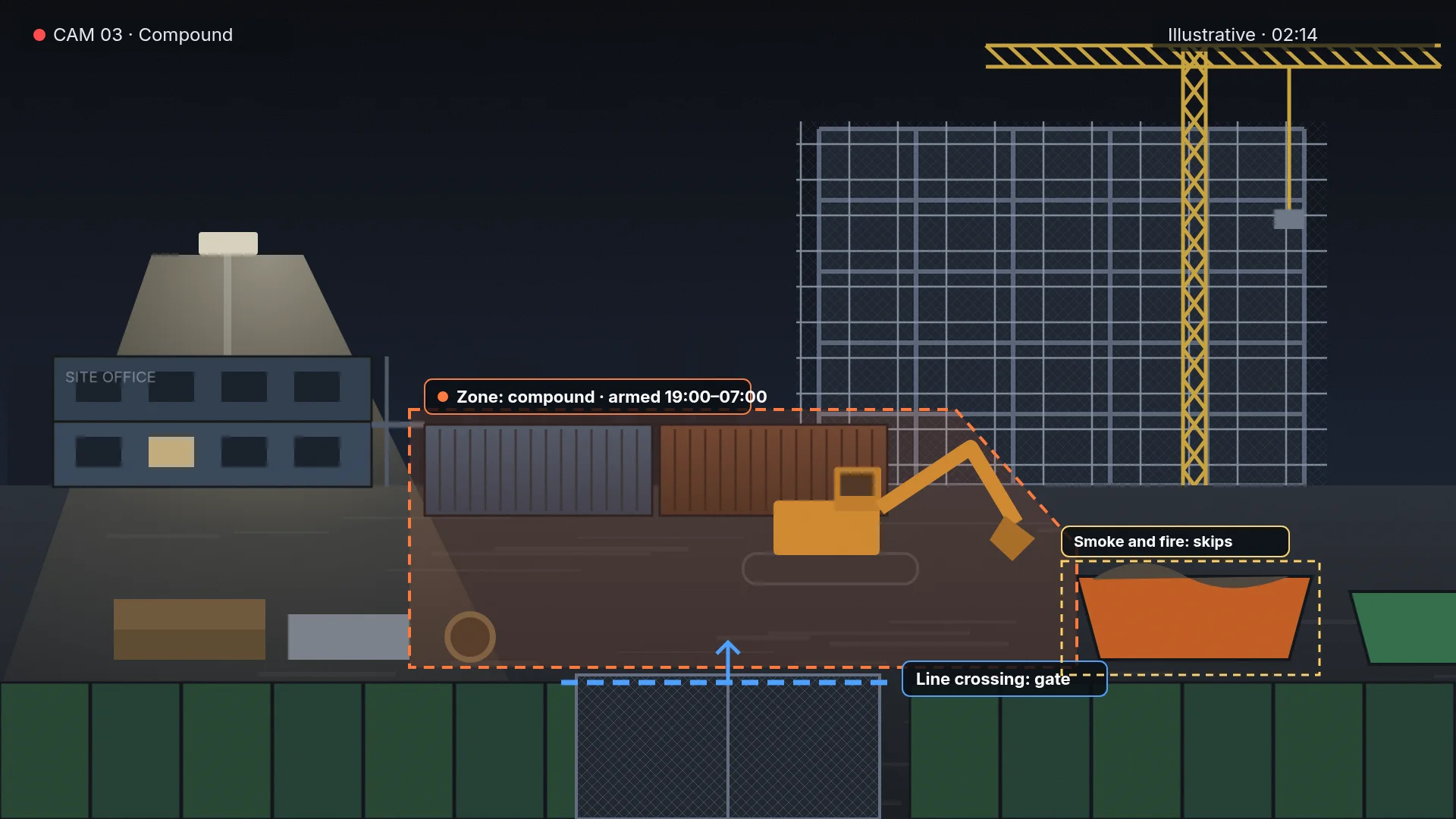 Illustrative
Fire risk on site: hot works, skips and temporary buildings
This is general guidance, not a fire risk assessment. On most sites, three places come up again and again: hot work areas, waste skips and temporary buildings such as cabins and offices.
Hot works. See the hot works fire risk guide for permits and the fire watch. HSG168 asks for a fire watch while hot work is carried out and for at least an hour after it ends, followed by another check later. A camera that sees the work area can add a watch for visible smoke overnight. It does not replace the fire watch or the permit.
Waste skips. HSE guidance notes that skips are often a target for arson, and says to place them where a fire will not put the site at risk. Keep each skip in view of a camera so smoke or flame raises an alert with the clip.
Temporary buildings. Cabins, offices and welfare units can hold heaters, chargers and drying rooms, and HSG168 has an appendix on their fire safety. The Fire Protection Association publishes the Joint Code of Practice on fire prevention on construction sites for larger projects. See how camera smoke detection works in the video smoke detection guide.
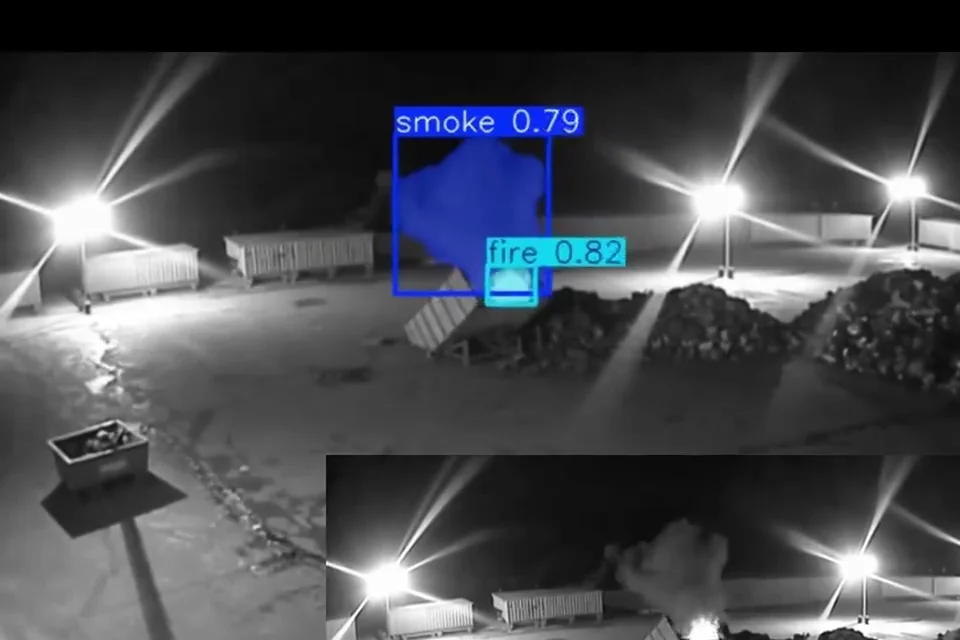 Real footage
- The eventSmoke and a small flame are boxed and labelled, and the alert is sent with the clip.
- FloodlightsBright site lights in the frame are learnt as normal for this camera rather than raising alerts.
- Wet groundReflections on wet ground move with the light, but do not look like smoke.
- SkyOpen sky and drifting cloud are part of the normal view the AI learns for each camera.
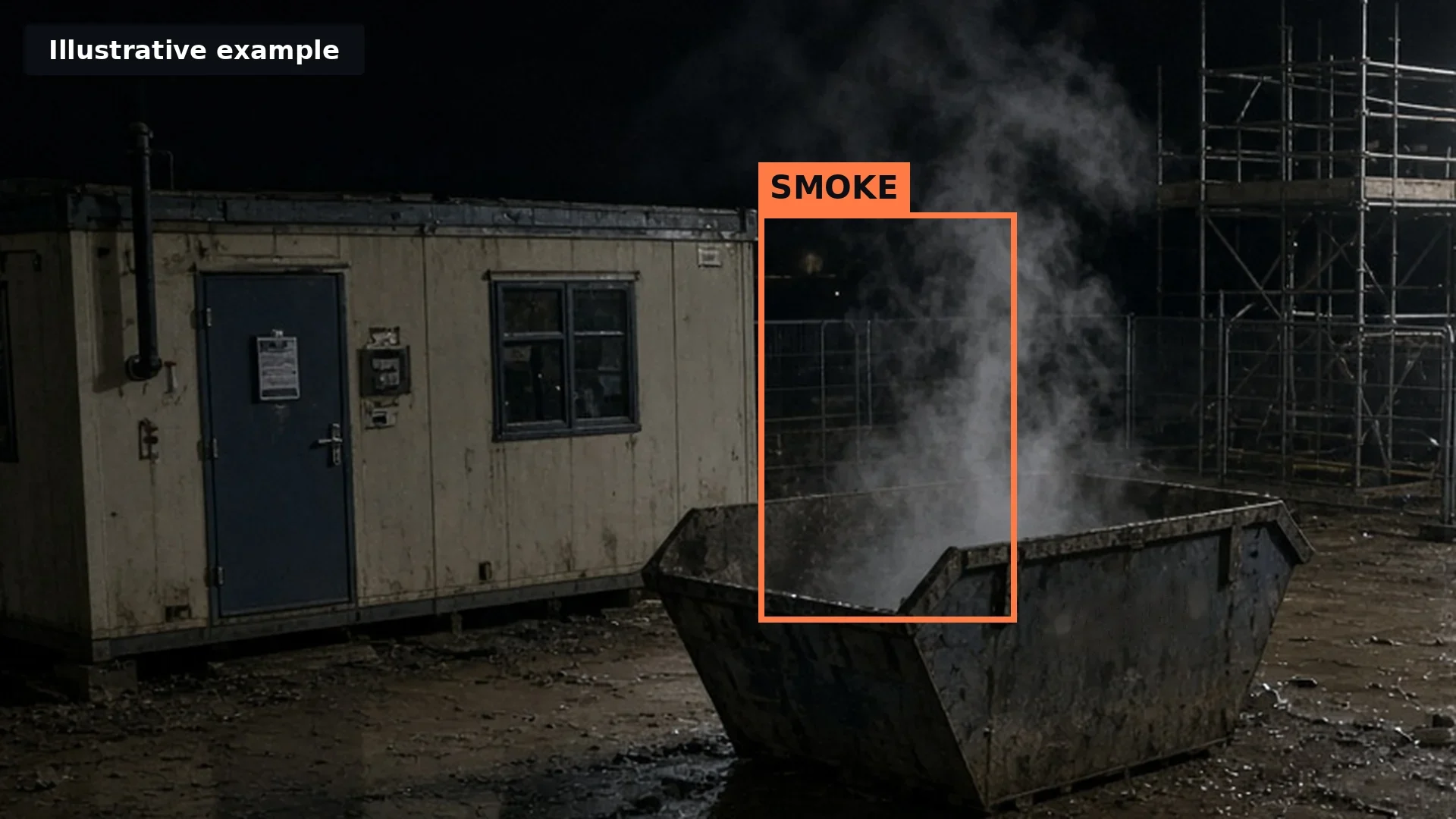 Illustrative
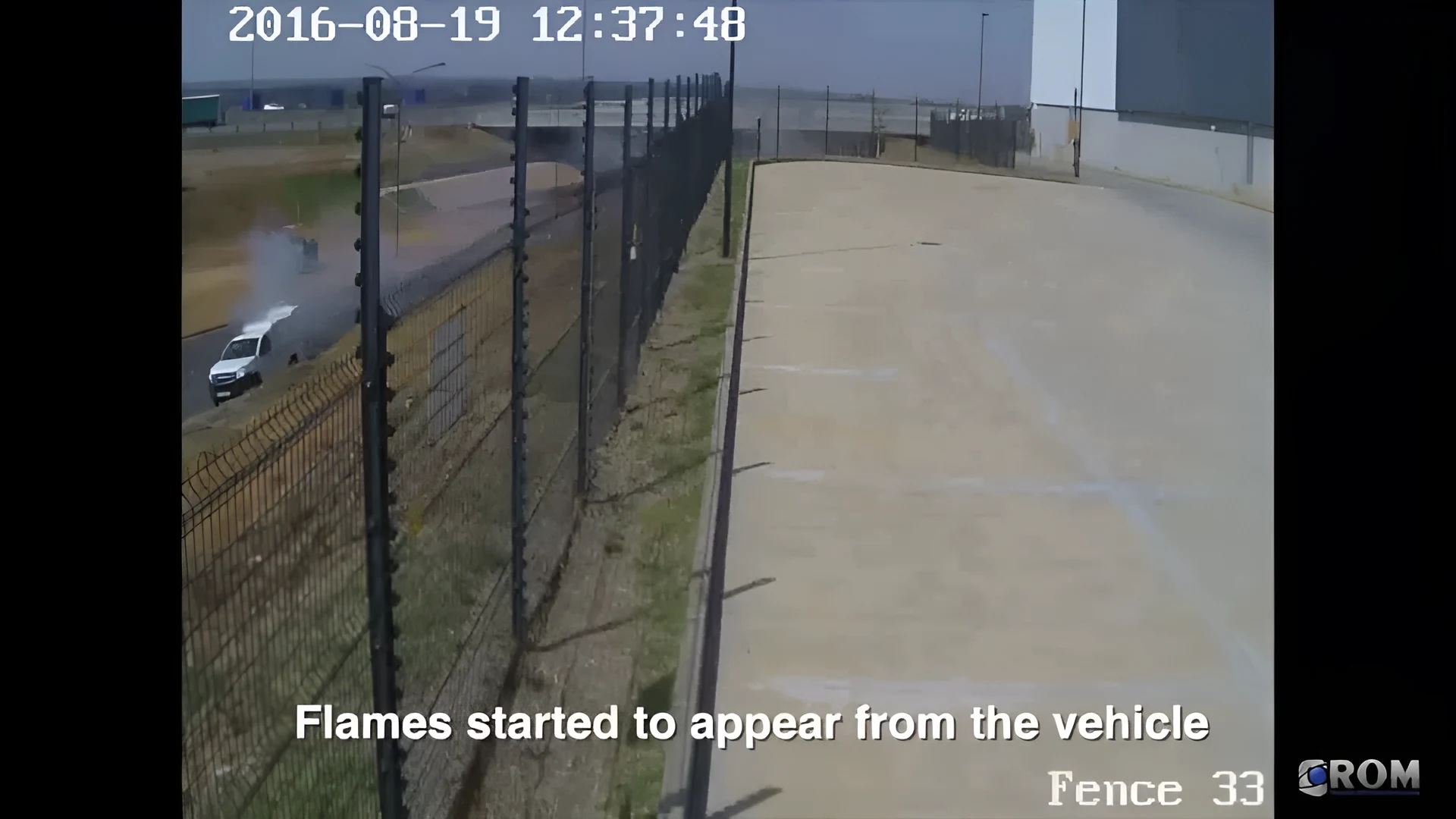 Real detection
Explore a construction site, area by area
Tap an area of the plan, or choose a tab, to see the risk there and what a camera needs to see.
Gate and hoarding
The risk: Trespassers can cause theft, damage and fires. HSE guidance lists perimeter fencing or hoarding, security lighting and CCTV monitoring among the measures against arson.
What the camera should see: Draw a line across the gate and zones along the hoarding, and set the hours they are armed.
Plant and compound
The risk: Plant, fuel and tools left overnight attract theft and vandalism, often when the site is empty.
What the camera should see: Cover the compound with an intrusion zone after hours. Vehicle detection, where supported, flags vans at the gate.
Materials and tool store
The risk: Containers hold tools, cable and materials. HSE guidance says flammable liquids and gas cylinders should be stored securely, or removed, while the site is closed.
What the camera should see: Point a camera at container doors and the store fence, armed out of hours.
Waste skips
The risk: HSE guidance notes that skips are often a target for arson, and that they should be placed so a skip fire does not spread to the building.
What the camera should see: Keep every skip in view of a camera, day and night, so visible smoke or flame raises an alert.
Site cabins and offices
The risk: Temporary buildings can hold heaters, chargers and drying rooms, and HSE guidance has a section on their fire safety.
What the camera should see: Watch the outside of the cabins for smoke out of hours, and the doors for intrusion.
Building and scaffold
The risk: Hot work such as cutting, welding and grinding is a common fire risk. HSE guidance asks for a fire watch during and after it.
What the camera should see: A camera with a clear view of the structure can watch for visible smoke overnight, alongside the fire watch.
Safety modules, where supported
Woodcock AI offers safety modules such as PPE detection, where supported, confirmed in your site assessment. They run on the same cameras and the same app as intrusion and fire detection.
Whether a safety module suits a given area depends on the camera, its angle and what it can see. The assessment checks each view and recommends only what fits. See every module on the detection hub.
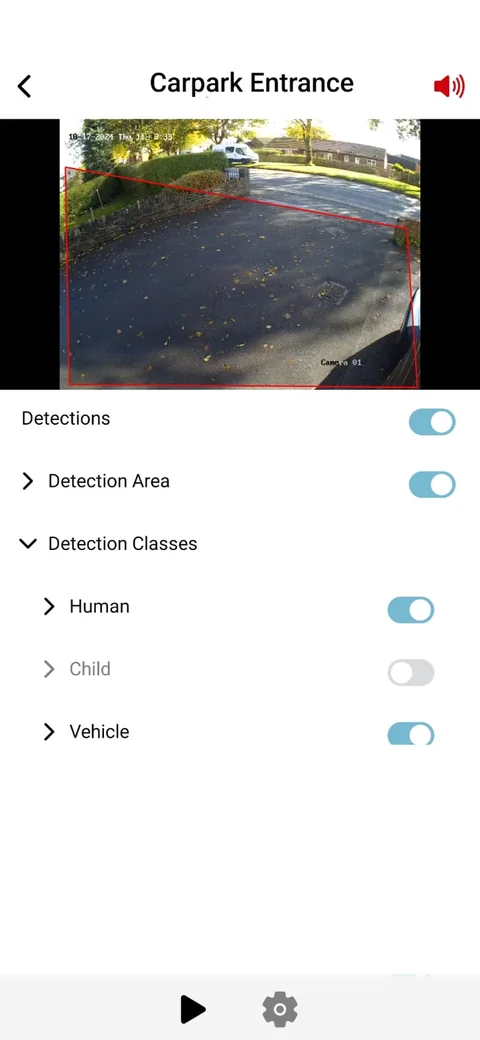
Modules side by side
Each camera can run the modules that match its risks, such as intrusion after hours and smoke and fire all day. Safety modules are added where supported. Everything arrives in one app, with the clip.
Works with your existing cameras
Woodcock AI works with most existing IP CCTV and recorders, confirmed in your site assessment. Most sites do not need new cameras. Towers and mobile units are confirmed in your site assessment, the same way as fixed cameras.
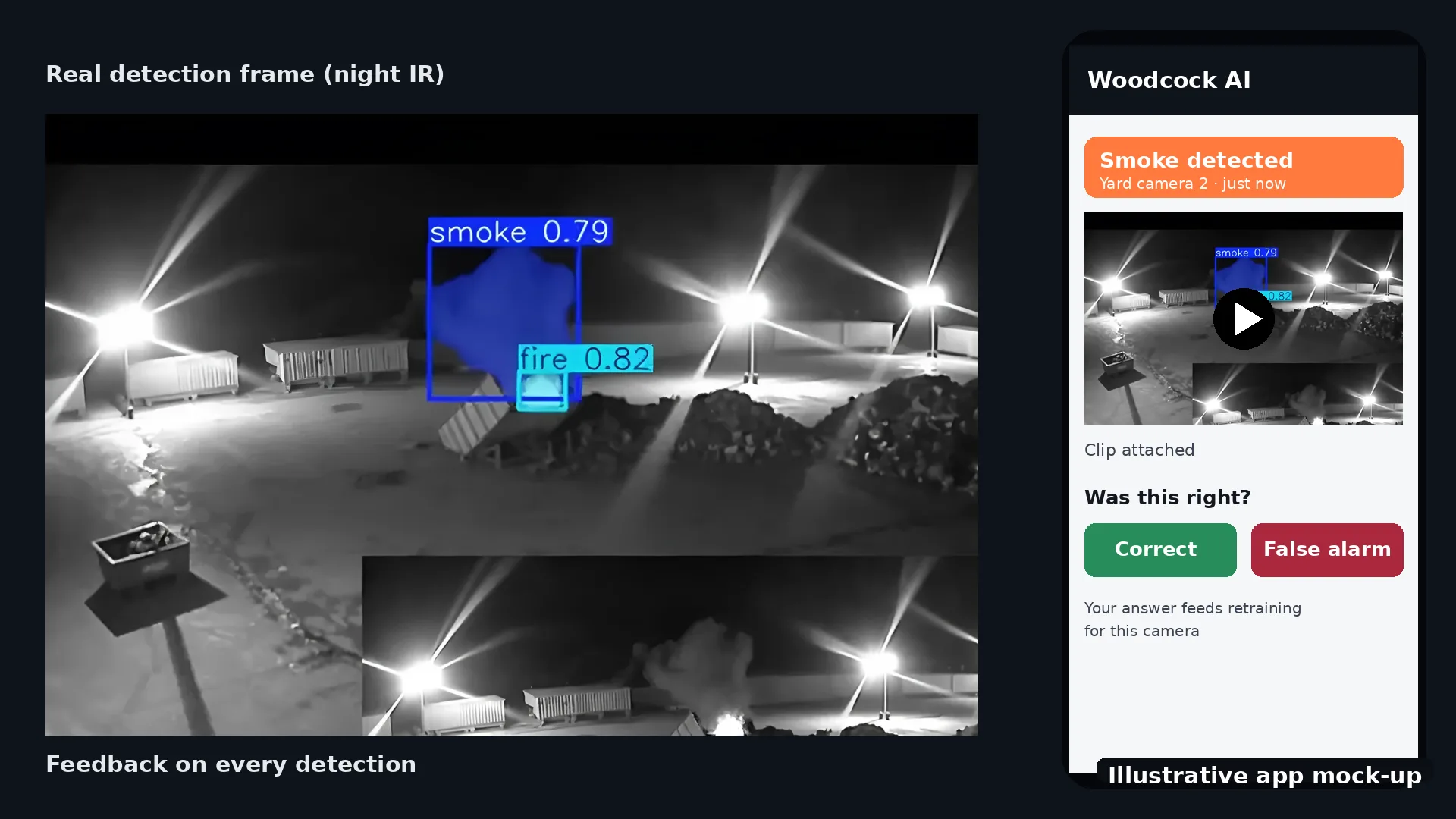
The AI is self-learning and fitted to each site. It learns what is normal for each camera, such as flapping sheeting, swaying netting, parked plant and floodlights. Every detection has a feedback button, and your feedback goes into retraining for your site. Read how it works.
 Illustrative render
 Illustrative
Alerts, plus optional ARC and phone-call add-ons
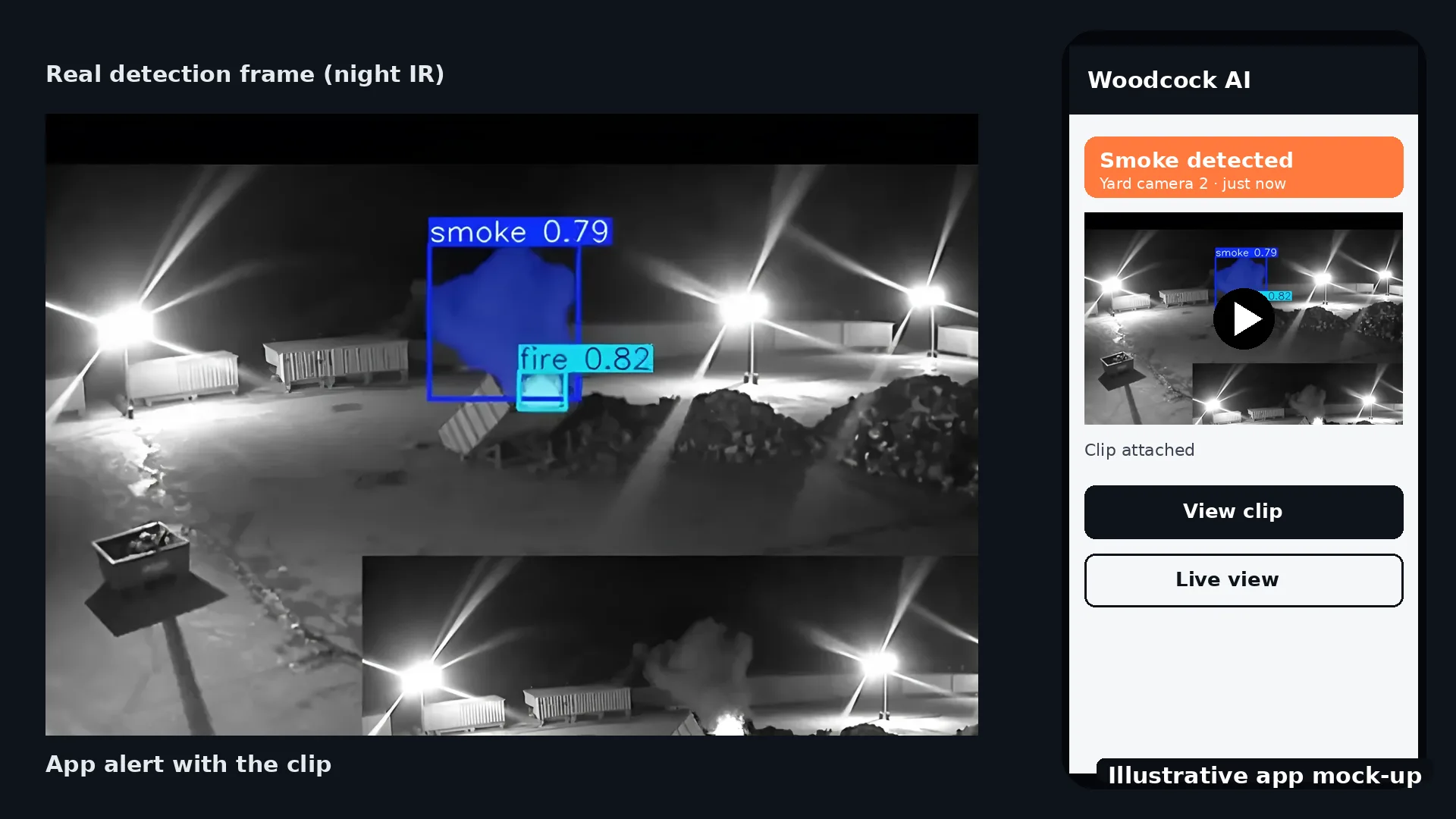
Alerts go by app push notification, email or SMS to the people you choose, each with the clip. Alerts to a monitoring centre (ARC) and phone-call alerts are available as optional add-ons.
Because each alert carries the clip, the site manager or keyholder can see at a glance whether it is an intruder at the hoarding or a fox crossing the compound. Read how to reduce CCTV false alarms, and compare AI CCTV with remote monitoring.
 Illustrative app mock-up
Is your construction site covered? A quick check
Tick what is already true on your site. Your answers are saved in this browser only.
Anything unticked is worth raising in a free site assessment: we'll map your gate, compound, stores, skips and cabins to the cameras you have.
Can AI CCTV detect intruders on a construction site at night?
Yes. Intrusion detection runs in the zones and schedules you set on hoarding, gate and compound cameras, and raises an alert with the clip when someone enters the site out of hours. Vehicle detection, where supported, can flag vans arriving at the gate.
Can it spot a fire in a skip or a cabin?
Yes, where a camera can see it. Woodcock AI watches your existing cameras for visible smoke and flame, so skips, site cabins and material stores in view can raise an alert with the clip, day and night.
Does it work with construction CCTV towers or mobile units?
It depends on the cameras and recorder in the unit. Woodcock AI works with most existing IP CCTV, and whether a tower or mobile unit can be connected is confirmed in your free site assessment.
Will wind, plant or moving sheeting cause false alarms?
The AI is self-learning and fitted to each site, so it learns what is normal for each camera, such as flapping sheeting, swaying netting, parked plant and floodlights. Every detection has a feedback button that goes into retraining for your site.
How do alerts arrive?
By app push notification, email or SMS, sent to the people you choose. Each alert comes with the clip, so you can see what the camera saw before deciding what to do.
Can alerts go to a monitoring centre or by phone call?
Yes, as options. Alerts to a monitoring centre (ARC) and phone-call alerts are available as optional add-ons. Standard alerts go to the people you choose by app, email or SMS.
Does it detect PPE on site?
Woodcock AI offers safety modules such as PPE detection, where supported, confirmed in your site assessment. It needs a camera with a clear enough view of the area.
Does it replace the fire watch or the site fire alarm?
No. It adds early visual warning on cameras you already have. Hot work fire watches, permits, fire alarms and your fire risk assessment stay in place, as HSE guidance sets out.
How do I start?
Book a free site assessment. We map your gate and hoarding, compound, stores, skips and cabins to the cameras you already have, and confirm what is supported before anything is set up.
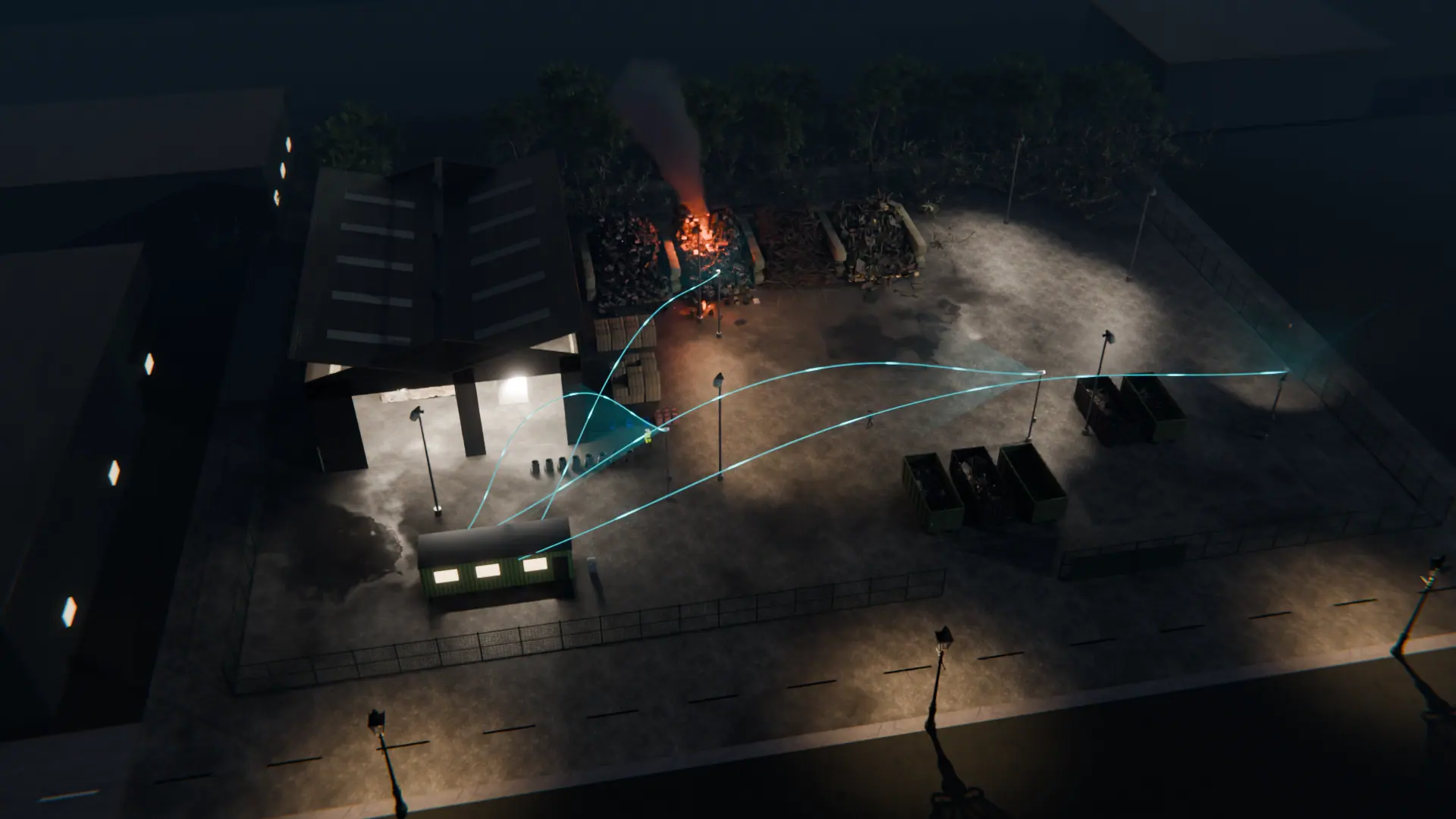
Map your construction site to the cameras you have
A free site assessment maps your gate, compound, stores, skips and cabins to your existing cameras, and confirms what is supported before anything is set up.
Illustrative 3D render