

Out-of-hours site security checklist: lock up with confidence
Short answer: securing a commercial site after hours means layers that back each other up: a sound perimeter, working lights, cameras that cover the right areas and send alerts to the right people, fire risks dealt with before close, and a clear keyholder plan. Tick the 25 checks below; your progress saves in this browser.
 Illustrative example · Yard locked for the night
What should you check before leaving a site for the night?
Work through each section at lock-up. Ticks are saved in this browser on this device only and nothing is sent to us. Adapt it to your site and your own risk assessments.
Check what your existing cameras can cover out of hours
A free site assessment checks which cameras can be connected, what each can see and which detections are supported.
Why do layers matter out of hours?
No single measure secures a site on its own. A locked gate slows someone down, lights and cameras make them visible, and an alert only helps if someone is ready to act on it.
For permitted waste sites the Environment Agency is explicit: fire prevention plans must include security measures such as security fencing, intruder alarms and CCTV, and say where the CCTV and alarms are.[1] Every business premises also needs a fire risk assessment, carried out and reviewed by the responsible person.[2]
Where AI on existing CCTV fits
Cameras record what happened; AI can tell someone while it is happening. Where a camera has a clear view, Woodcock AI can watch for people or vehicles in a zone after hours and for visible smoke or flame, and send an alert with the clip by app, email or SMS.
Alerts to a monitoring centre (ARC) and phone-call alerts are available as optional add-ons. It works on the cameras you already have, learns each camera with a feedback button, and complements, rather than replaces, locks, alarms, guards and certified fire detection. If you are weighing up options, see AI CCTV vs security guards and AI CCTV vs remote monitoring.

Set what matters after hours
Draw zones over gates, fences and storage areas and set them to alert out of hours only, so daytime activity does not trigger alerts.
The keyholder sees the clip first
Each alert names the camera and carries the clip, so the keyholder can see what triggered it before deciding whether to attend, call it in or dismiss it.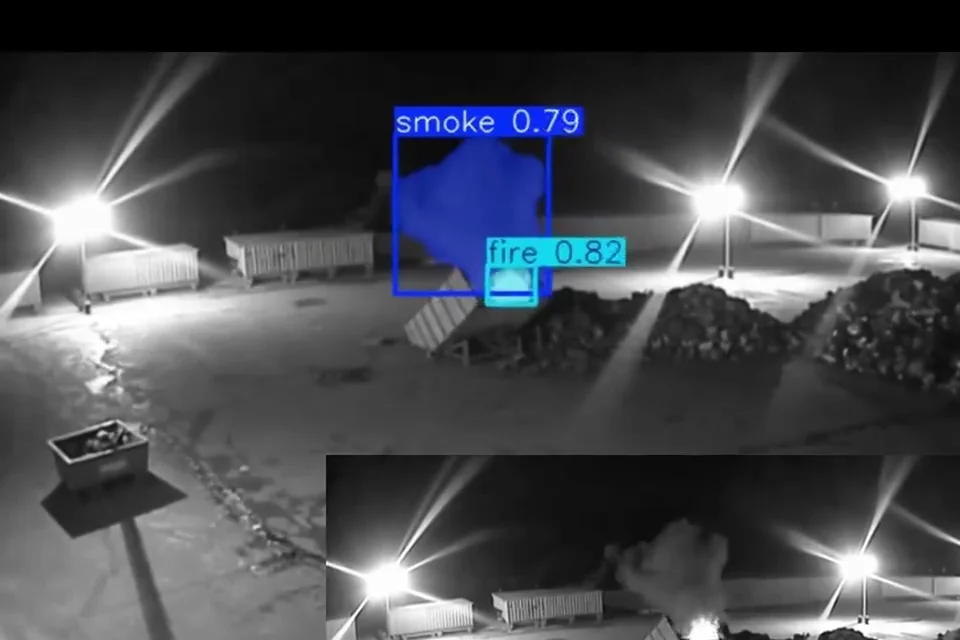 Real footage
What should an out-of-hours site security checklist cover?
Six areas: the perimeter, gates and doors; lighting and camera views; CCTV coverage and who gets alerts; fire risks after hours; keyholders and lone working; and a regular review. The checklist on this page covers each, and you can tick it, save it on this device and print it.
Do waste sites need CCTV?
For permitted waste sites, the Environment Agency fire prevention plan guidance says you must have security measures in place, such as security fencing, intruder alarms and CCTV, and describe where the CCTV and alarms are.[1]
Who is responsible for fire safety at a business site?
The responsible person, usually the employer, owner or whoever controls the premises, must carry out and regularly review a fire risk assessment.[2]
What about the person who locks up alone?
Employers must manage the risks before anyone works alone, and HSE gives security staff as an example of lone working.[3] A clear plan for who attends an alert, and whether they attend alone, belongs in that assessment.
How can AI on existing CCTV help out of hours?
Where a camera has a clear view, AI can watch it for people or vehicles in a zone after hours and for visible smoke or flame, and send an alert with the clip to the people you choose. Alerts to a monitoring centre (ARC) and phone-call alerts are available as optional add-ons. It complements, and does not replace, locks, alarms, guards or certified fire detection.
Do I need new cameras?
Woodcock AI works with the cameras you already have. Which cameras and detections are supported on your site is confirmed in a free site assessment.
Is my progress saved?
Yes, ticks are saved in this browser on this device only. Nothing is sent to us. Use the print button to keep a paper or PDF copy.
Sources
General information, not legal or security advice. Follow your own risk assessments and your insurer's requirements.
- Environment Agency, Fire prevention plans: environmental permits (GOV.UK), section 7.1 Arson. For permitted waste sites: you must have security measures in place, such as security fencing, intruder alarms and CCTV, and describe the location of CCTV and alarms. Last checked 23 October 2026.
- GOV.UK, Fire safety in the workplace. The responsible person for business premises must carry out and regularly review a fire risk assessment and put fire safety measures in place. Last checked 23 October 2026.
- HSE, Lone working: protect those working alone. Employers must manage health and safety risks before people work alone; security staff are given as an example of lone working. Last checked 23 October 2026.
- ICO, CCTV and video surveillance guidance. Data protection guidance for organisations using CCTV, with a CCTV self-assessment checklist. Last checked 23 October 2026.
Make your cameras part of the lock-up routine
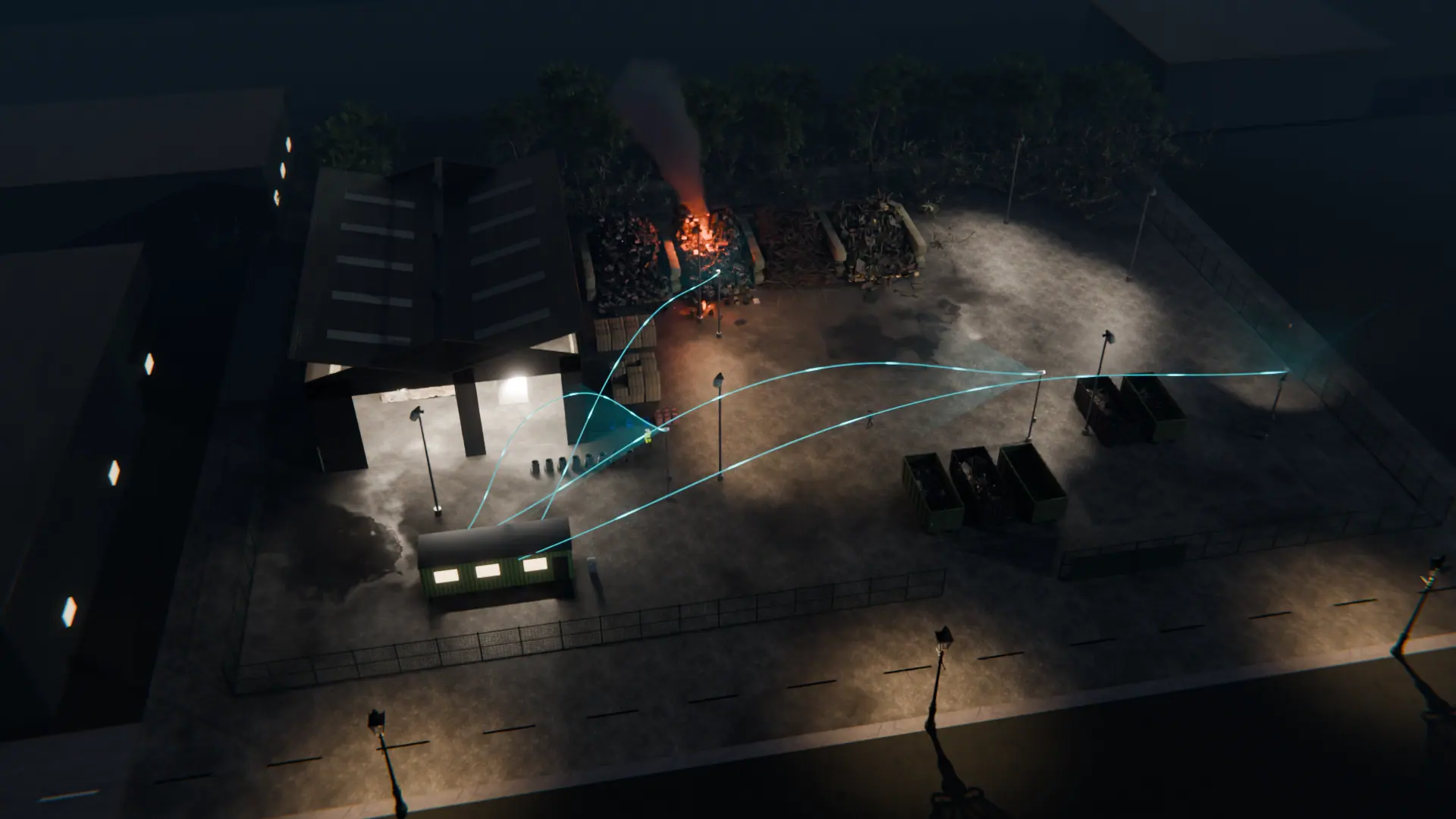
A free site assessment checks which existing cameras can be connected and what each can see out of hours.
Illustrative 3D render